GUIDE 011 / Video / Technique
24 vs 30 vs 60 FPS: Which Frame Rate Should You Use for Video?
Learn when to shoot 24, 30 or 60 fps for cinematic video, social content, events and slow motion, plus practical shutter-speed and workflow tips.
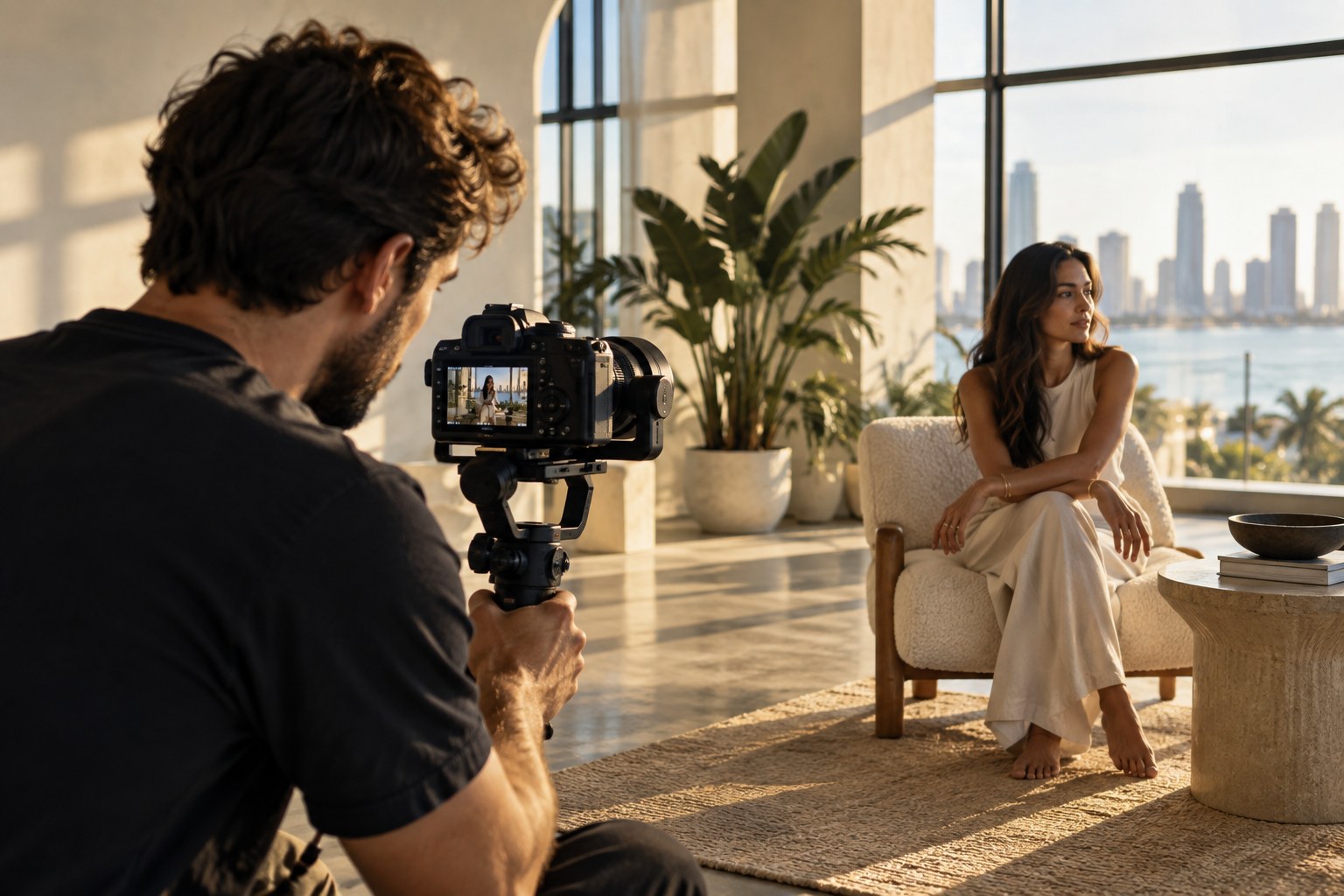
Frame rate is one of those camera settings that looks simple until you are standing behind the camera deciding whether a moment should feel cinematic, immediate, smooth, or slow.
The good news: there is no universally “best” frame rate. There is only the frame rate that best supports the shot you are trying to create.
At Flicks by Ed Media, I think about frame rate as part of the visual language before I think about it as a number. A portrait film, concert recap, lifestyle reel and behind-the-scenes clip can all benefit from different choices—even when they are captured on the same camera.
This guide breaks down 24, 30 and 60 fps in practical terms so you can choose intentionally instead of flipping settings because somebody on TikTok said “cinematic.”
01 / First: what does fps actually mean?
FPS means frames per second: the number of individual images captured or displayed during one second of video.
Sony’s current movie-recording guidance lists common camera options including 24p, 30p, 60p and, on supported models, 120p. Sony describes 24p as a common movie frame rate, while higher frame rates produce smoother motion and give editors more flexibility for slow motion.
That difference changes how movement feels. At 24 fps, motion carries more of the cadence viewers associate with cinema. At 30 fps, movement feels slightly smoother and often works naturally for digital, documentary and everyday content. At 60 fps, movement is smoother still and the extra captured frames give you useful slow-motion options.
TECHNIQUE / Compare the cadence
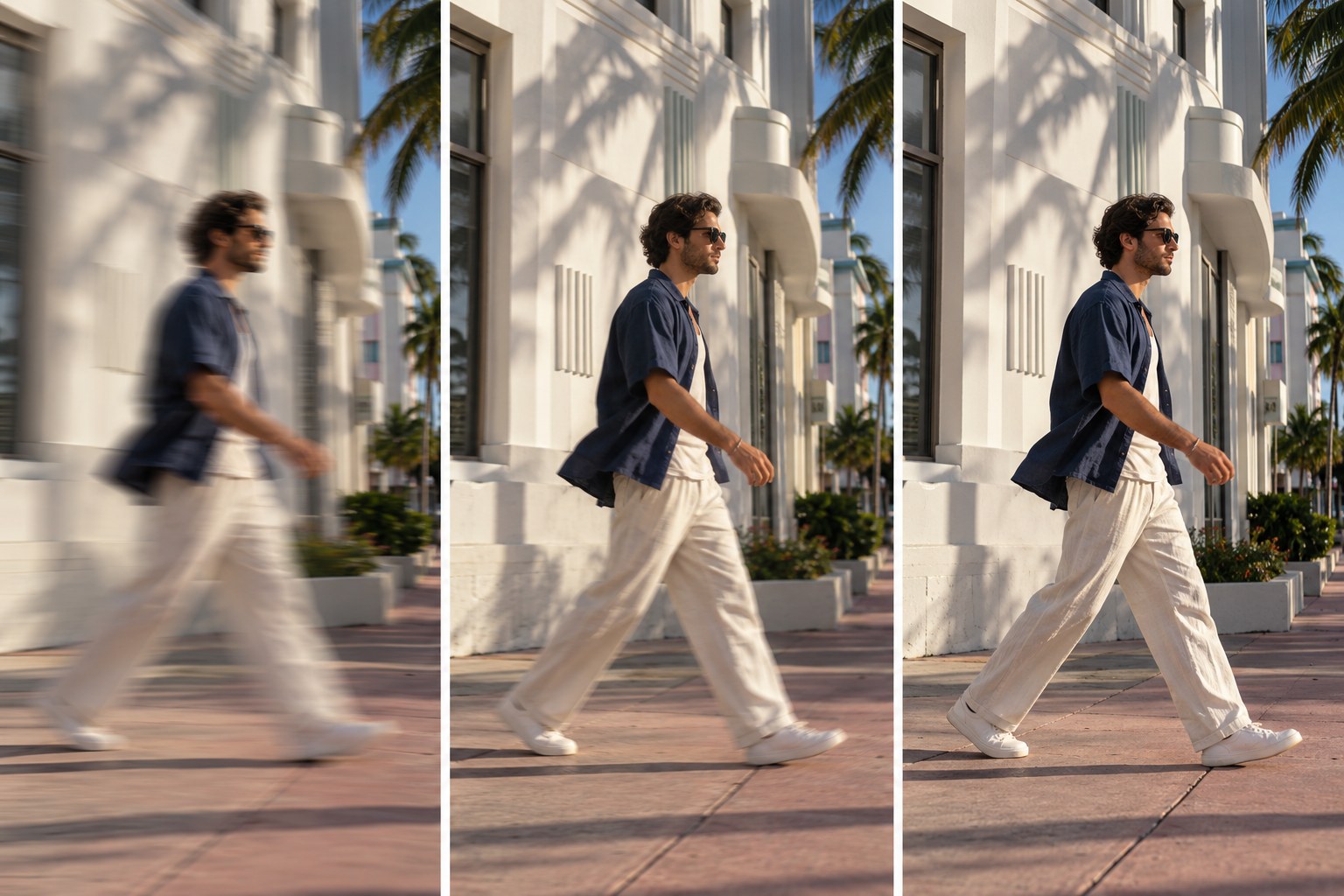
Use the visual break to connect the setting with the feeling you want the finished film to carry.
Use the visual break to compare the same movement at three frame rates before you decide which feeling belongs in the final cut.
02 / When to use 24 fps
Choose 24 fps when the goal is a more traditionally cinematic sense of motion. It is a strong starting point for:
- cinematic portrait films
- fashion films
- narrative sequences
- controlled lifestyle content
- music-video style scenes
- emotional or atmospheric B-roll
The important word is controlled. If you whip the camera around or pan too quickly, 24 fps can make judder more noticeable. Slow the camera down. Let the subject move through the frame. Build shots with intention rather than treating the camera like it drank three cafecitos.
For a 24 fps timeline, 24 fps footage also keeps your real-time motion straightforward. You are not relying on slow motion to make every shot interesting.
LOOK / Cinematic real-time motion
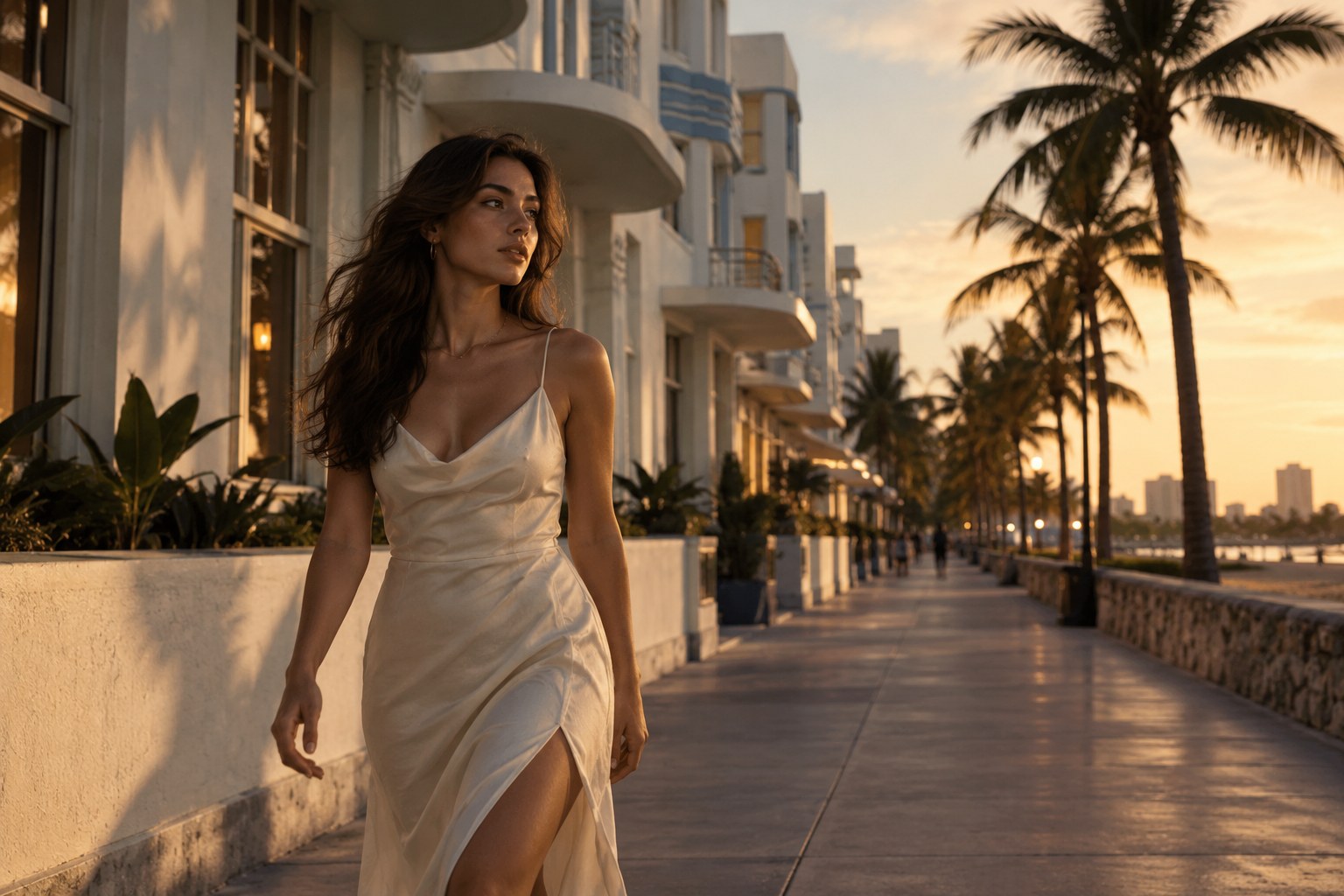
Use the visual break to connect the setting with the feeling you want the finished film to carry.
Use the visual break to study how a deliberate push, a measured walk and a little negative space create a cinematic feeling before the grade or music arrives.
03 / When to use 30 fps
Thirty fps is a useful middle ground when you want natural real-time motion with a little more temporal smoothness. It works well for:
- interviews
- behind-the-scenes coverage
- talking-head content
- social content
- event moments intended to stay at normal speed
- walkthroughs and informational video
For creators delivering frequently to digital platforms, 30 fps can be a practical default because it feels clean without creating the same data and light demands as higher-frame-rate shooting.
That does not make it “less cinematic.” Cinematic is a stack of choices: light, composition, lensing, movement, production design, color, sound and editing all matter. Frame rate is one ingredient.
04 / When to use 60 fps
Sixty fps earns its keep when movement is important or when you know you want slow motion.
Sony notes that 60p footage can be slowed to half speed on a 30p timeline or roughly 2.5 times slower on a 24p timeline while maintaining a frame-for-frame cadence. That makes 60 fps useful for:
- entrances and reveals
- hair, fabric or wardrobe movement
- dancing
- concert and event energy
- athletes or faster action
- product movement
- handheld B-roll
- moments you may want to emphasize in the edit
But shooting everything at 60 fps “just in case” has tradeoffs. Higher frame rates generally demand faster shutter speeds, which reduces the light reaching the sensor. They can also increase storage needs depending on codec and bitrate. Use 60 because the shot benefits from it—not because the menu offers it.
LOOK / Motion you can slow down

Use the visual break to connect the setting with the feeling you want the finished film to carry.
The point of 60 fps is not that every clip should play slowly. It is that a small movement can breathe when the edit needs emphasis.
GEAR / 60 fps in the edit
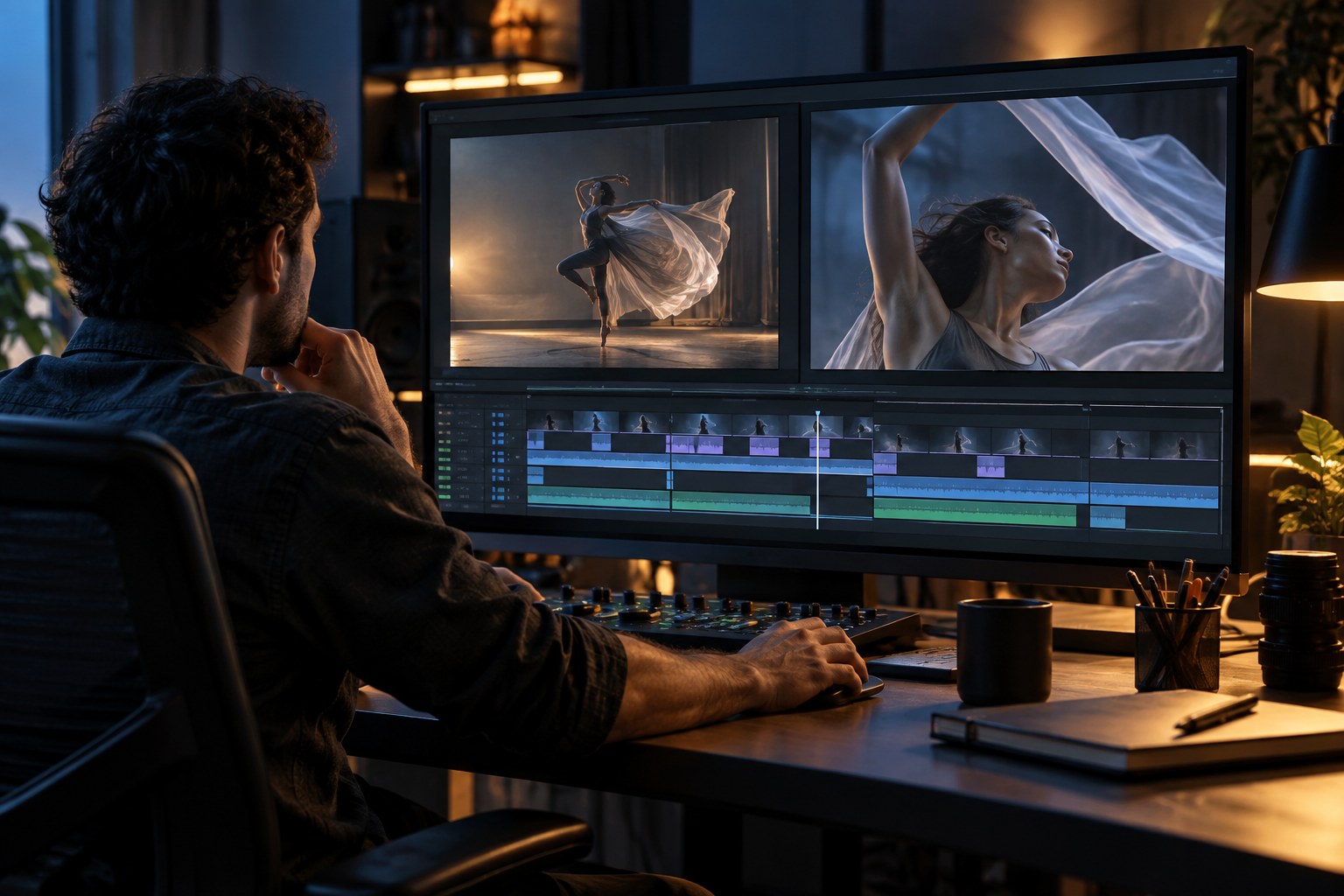
Use the visual break to connect the setting with the feeling you want the finished film to carry.
Think about the timeline before you press record: 60 fps to a 30 fps timeline is half-speed, while 60 fps to a 24 fps timeline is about 40 percent speed.
05 / Match shutter speed to frame rate
A common video starting point is to set shutter speed close to twice the frame rate. Sony’s current guidance gives these practical camera values:
- 24p → about 1/50 second
- 30p → 1/60 second
- 60p → about 1/125 second
- 120p → about 1/250 second
This creates motion blur that generally feels natural at each frame rate.
It is a guideline, not handcuffs. A faster shutter can make movement feel sharper and more aggressive. A slower shutter can introduce heavier blur. Both can be creative decisions. But if you are learning video, start near the conventional relationship before breaking it on purpose.
TECHNIQUE / Match shutter to frame rate
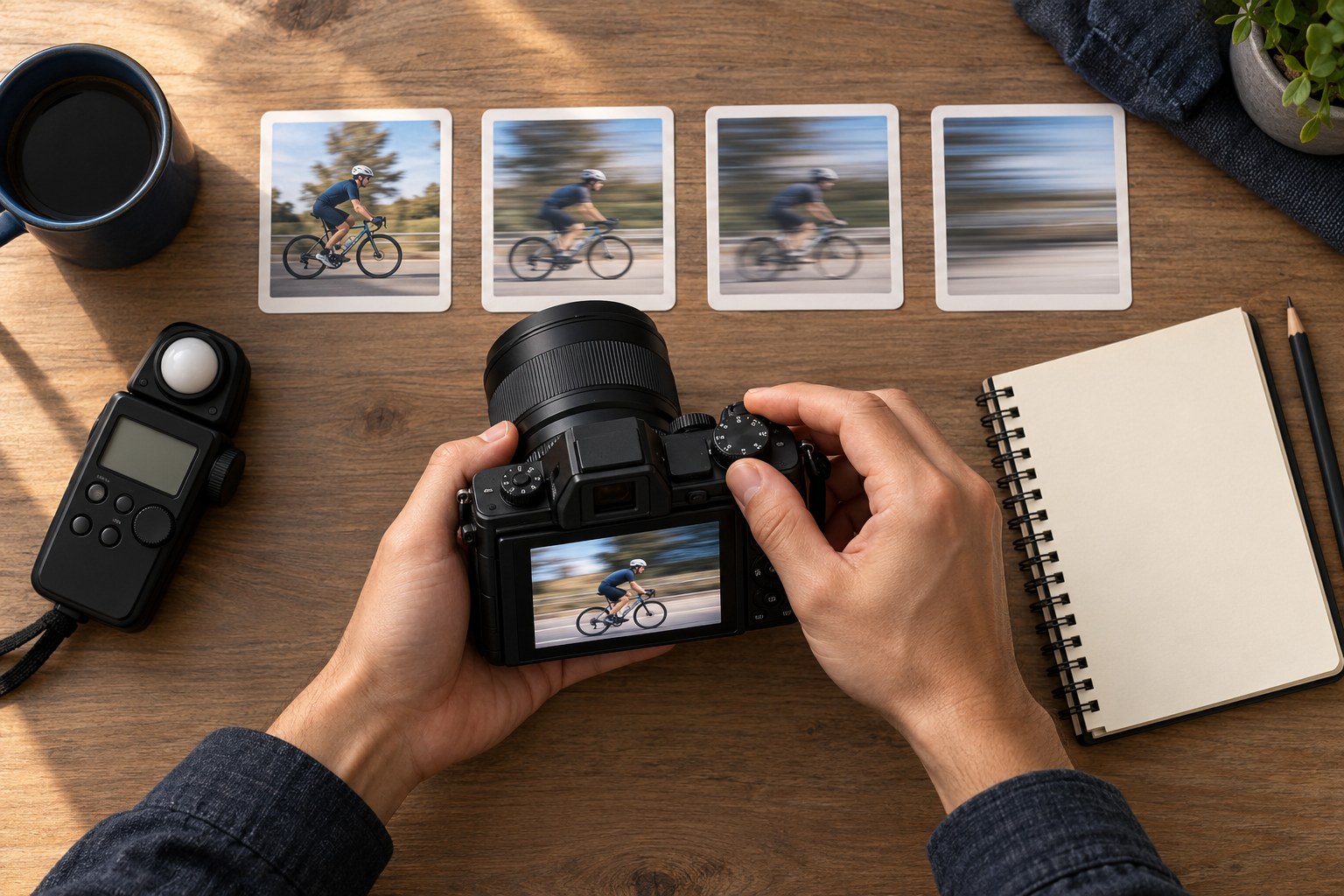
Use the visual break to connect the setting with the feeling you want the finished film to carry.
Use the visual break as a physical reminder: frame rate and shutter speed are a pair, and changing one usually changes the exposure and motion character of the shot.
06 / Higher frame rates need more light
Here is the part people skip.
If you move from 24 fps at roughly 1/50 to 60 fps at roughly 1/125 while holding aperture and ISO constant, less light reaches the sensor during each frame. That matters at concerts, receptions, nightlife events and other dark environments.
Before automatically switching to 60 fps, ask whether the slow-motion flexibility is worth the exposure tradeoff. Sometimes clean 24 or 30 fps footage is more valuable than noisy 60 fps footage you never actually slow down.
For controlled productions, add light, open the aperture where appropriate, adjust ISO intelligently, or use an ND filter outdoors when you need to preserve your shutter/aperture combination. The one-light approach from One Light, Expensive Look is a useful starting point when you need control without building a large lighting package.
07 / Build a mixed-frame-rate shot plan
One of the strongest workflows is not choosing one frame rate for the entire day. Choose based on purpose. For a lifestyle or event film, a simple plan might be: 24 fps — hero scenes, cinematic movement, environmental storytelling. 30 fps — interviews, BTS, dialogue or straightforward real-time coverage.
60 fps — entrances, details, reactions, movement and intentional slow-motion moments. That creates options without turning the edit into a junk drawer.
Before the shoot, decide your delivery timeline. If the final project is 24 fps, you already know how 60 fps material can be interpreted for slow motion. If the final is 30 fps, the math is equally clean. The same “coverage with a job” mindset is useful in the one-camera B-roll workflow.
TECHNIQUE / Mixed-frame-rate shot plan
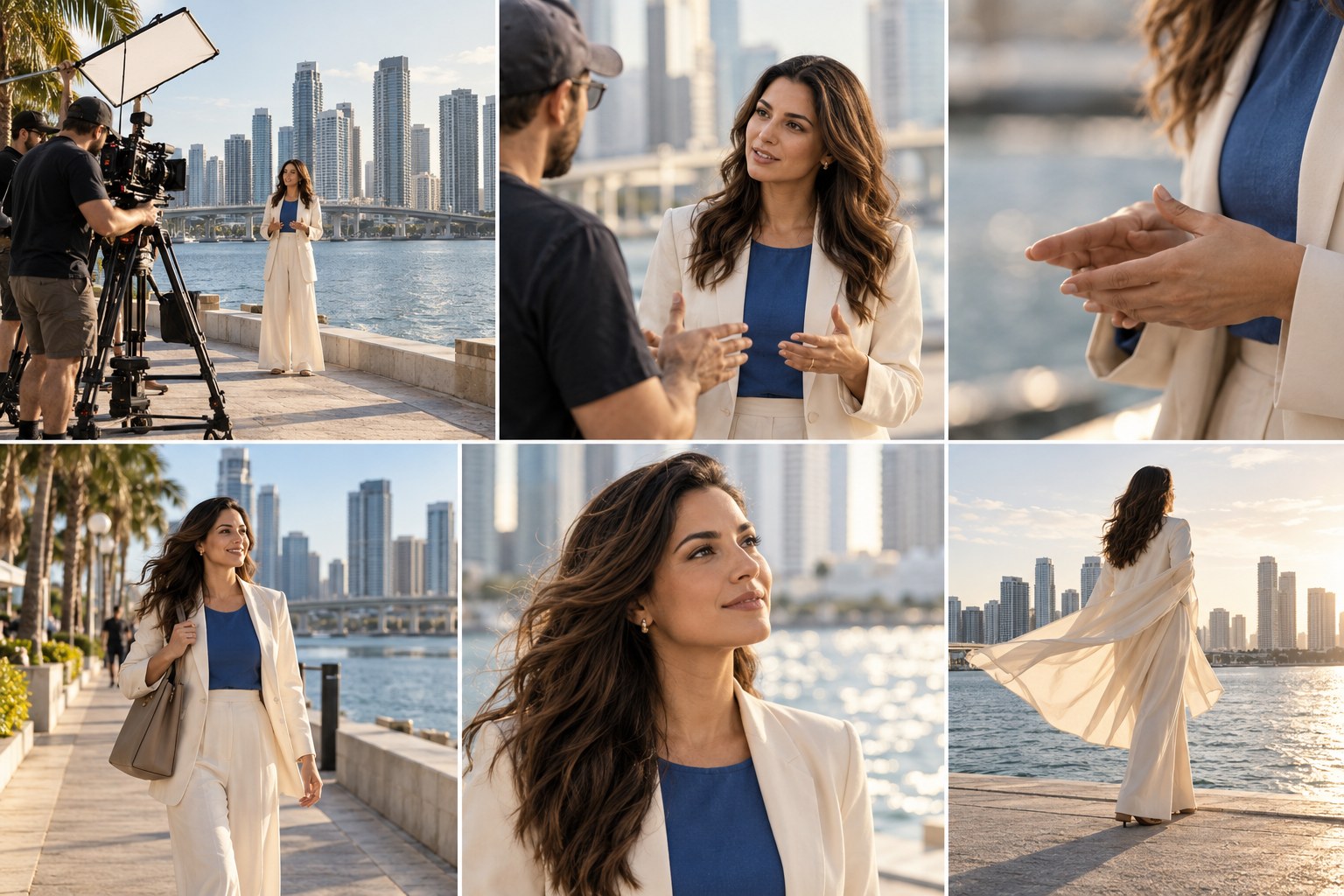
Use the visual break to connect the setting with the feeling you want the finished film to carry.
Assign a job to every frame rate before the shoot: hero, real time or slow motion. That small decision keeps the edit coherent.
08 / What about 120 fps?
Use 120 fps when the moment genuinely benefits from pronounced slow motion.
Think splashing water, fabric movement, sports, confetti, fast dancing, hair movement, or a product action that happens too quickly to appreciate in real time.
Sony’s guidance notes that 120p can create much slower playback when conformed to a lower-frame-rate timeline, on cameras that support it.
The tradeoffs become more obvious: more light, faster shutter, potentially larger files or different recording modes, and sometimes camera-specific resolution or crop limitations. Check your exact camera’s recording specifications before building a shoot around 120 fps.
09 / A practical Sony setup
On supported Sony Alpha cameras, frame-rate availability depends on the model, recording format, resolution and NTSC/PAL configuration.
For example, Sony’s published Alpha 7 IV specifications include 24p, 30p and 60p options in multiple HD and 4K recording formats, while higher-frame-rate options vary by mode. Do not copy a YouTube menu screen from a different Sony body and assume your camera has the same codec, crop, bit depth or frame-rate combination.
Build settings around your actual camera and final delivery. The Sony Alpha 7 V hybrid guide is a companion read for thinking through one body across photo and video work.
GEAR / Check the camera you own
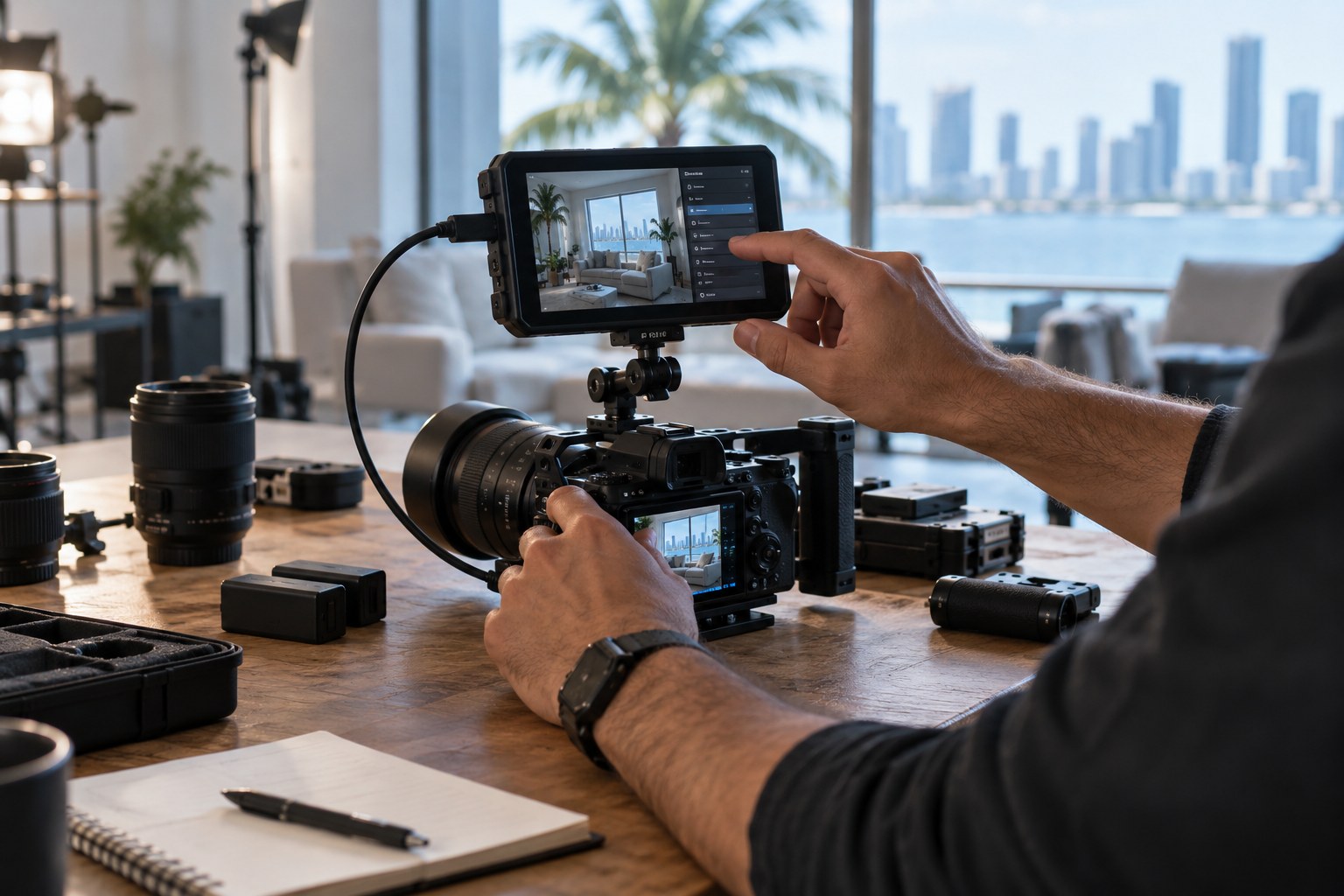
Use the visual break to connect the setting with the feeling you want the finished film to carry.
Treat frame rate, recording format, resolution and shutter as one production decision. Confirm the combination on your camera before the shoot.
10 / The Flicks by Ed frame-rate cheat sheet
| Goal | Start with | Why |
|---|---|---|
| Cinematic portrait film | 24 fps | Traditional cinematic motion cadence |
| Interview / BTS | 30 fps | Clean, natural real-time movement |
| Social lifestyle video | 24 or 30 fps | Choose based on intended feel |
| Concert/event highlight | 24/30 + selective 60 | Protect low-light quality while keeping slow-motion options |
| Dancing / fast movement | 60 fps | Smoother motion and slow-motion flexibility |
| Dramatic detail shot | 60 or 120 fps | Lets brief movement breathe in the edit |
| Narrative scene | 24 fps | Consistent cinematic real-time motion |
11 / Frame rate does not create the look by itself
This is the bigger lesson.
Twenty-four fps cannot rescue flat lighting. Sixty fps cannot fix weak composition. Slow motion cannot manufacture emotion that was never captured.
Choose the frame rate that supports the story, then build the rest of the image around it: light, lens, composition, camera movement, color and sound. A technically perfect clip with no point of view is still just a technically perfect clip.
Final take
If you want one simple rule: Use 24 fps when you want cinematic real-time motion. Use 30 fps when you want clean, natural digital motion. Use 60 fps when movement or slow-motion flexibility matters. Then break those rules when you have a reason.
The goal is not to make every video look like everybody else’s “cinematic settings” tutorial. The goal is to know what each setting does well enough that your camera becomes part of the creative decision instead of the thing making the decision for you. At Flicks by Ed Media, the settings serve the moment. You bring the vision. I’ll create the moment.
Keep building the picture
Use the Sony Alpha 7 V hybrid guide to pressure-test your camera choice, revisit the one-camera B-roll workflow, and explore the portrait and video services.