GUIDE 06 / Video / Storytelling
Cinematic Video With One Camera: A Practical B-Roll Workflow
Learn a practical cinematic B-roll workflow for shooting polished video with one camera, including shot sequences, movement, exposure, audio, and editing.
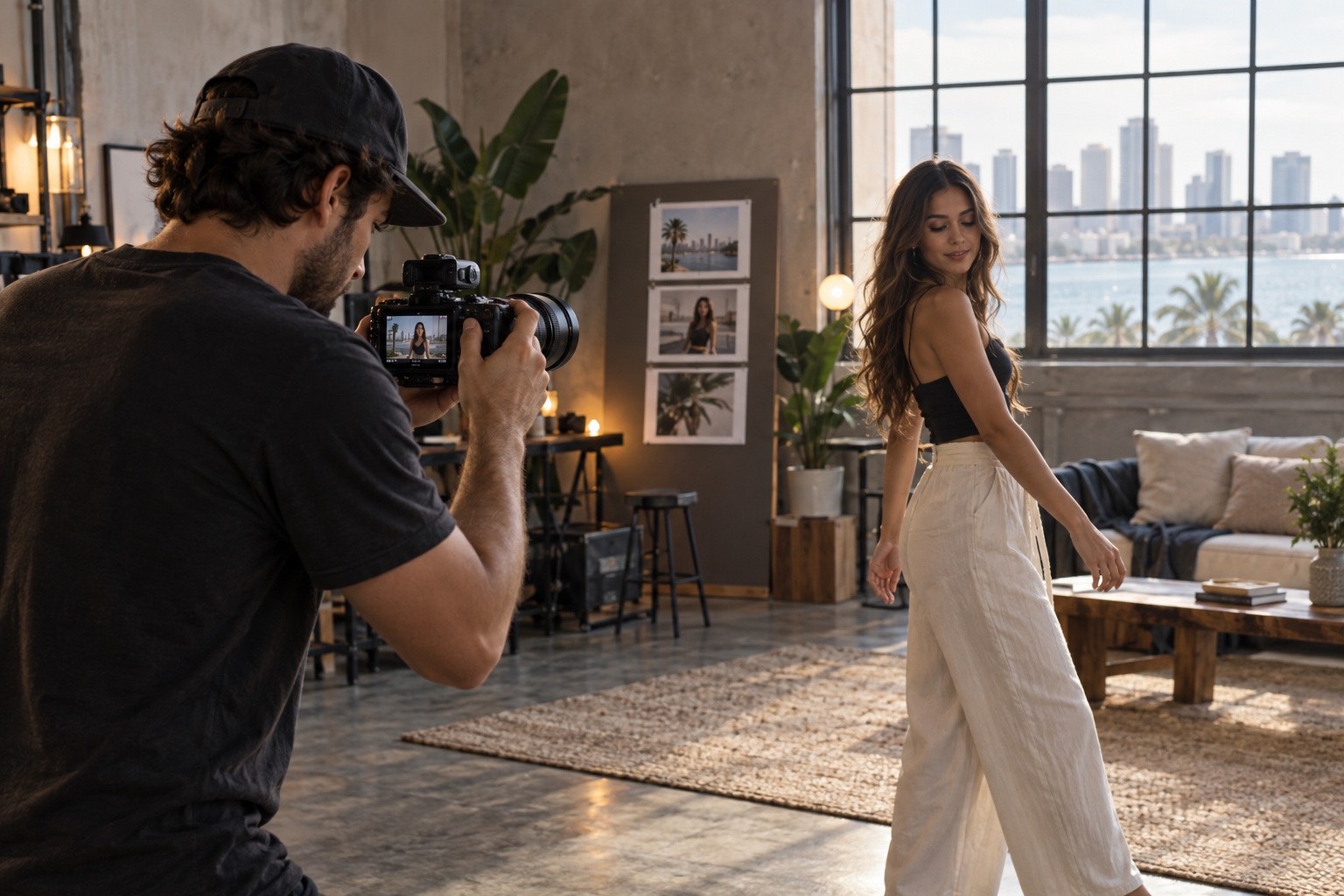
More cameras do not automatically make a video feel more cinematic. Better coverage does.
For creators, small businesses, events, lifestyle sessions, and behind-the-scenes work, a single-camera setup can produce a polished edit when every shot is captured with the cut in mind. The goal is not to collect random slow-motion clips. It is to build visual sentences: establish where we are, show what is happening, reveal the details, and capture the human reaction that gives the sequence meaning.
Here is a repeatable workflow for doing that without turning a simple shoot into a production circus.
1. Start with the edit before you press record
Before filming, decide what the finished sequence needs to communicate. If the story is a photographer arriving for a portrait session, the sequence might be: exterior of the location, photographer entering, bag opening, camera coming out, lens mounting, client interaction, shutter moment, reaction, finished portrait.
That is already an edit on paper.
Think in sequences rather than isolated “cool shots.” A useful rule is to cover one action from several meaningful distances and angles instead of filming ten unrelated actions once.
TECHNIQUE / Build a five-shot sequence
For one action, capture:
- Wide — establishes the environment.
- Medium — shows the subject and action together.
- Tight — isolates the important action.
- Detail — hands, texture, gear, fabric, signage, controls, or expressions.
- Reaction or reveal — shows why the action matters.
You do not need all five every time, but thinking this way gives the editor options and creates continuity.
2. Shoot wide, medium, tight — then change your angle
A common B-roll problem is having plenty of footage that all feels like the same shot. Three clips recorded from the same standing position at three focal lengths are technically different, but visually they can still feel repetitive.
After capturing your safe angle, change height, side, distance, or foreground. Get low for movement. Shoot through a doorway or environmental element when it supports the scene. Move to the subject’s side for hands and process. Step behind them for an over-the-shoulder perspective.
COMPOSITION / Every angle should reveal new information, not simply prove that the camera moved.
3. Let movement have a reason
Camera movement feels strongest when motivated by the subject. Follow a person entering frame. Push toward a detail they are reaching for. Slide laterally to reveal something previously hidden. Hold completely still when the action itself already supplies the energy.
Not every clip needs a gimbal move. A locked-off shot can make the next moving shot feel more intentional.
For handheld work, use your body as the stabilizer: soften the knees, keep elbows controlled, make deliberate starts and stops, and capture extra seconds before and after the action. Stabilization can polish a good shot; it cannot rescue careless framing and timing.
LOOK / Visual break: a three-frame strip showing static, motivated push-in, and lateral reveal from the same scene.
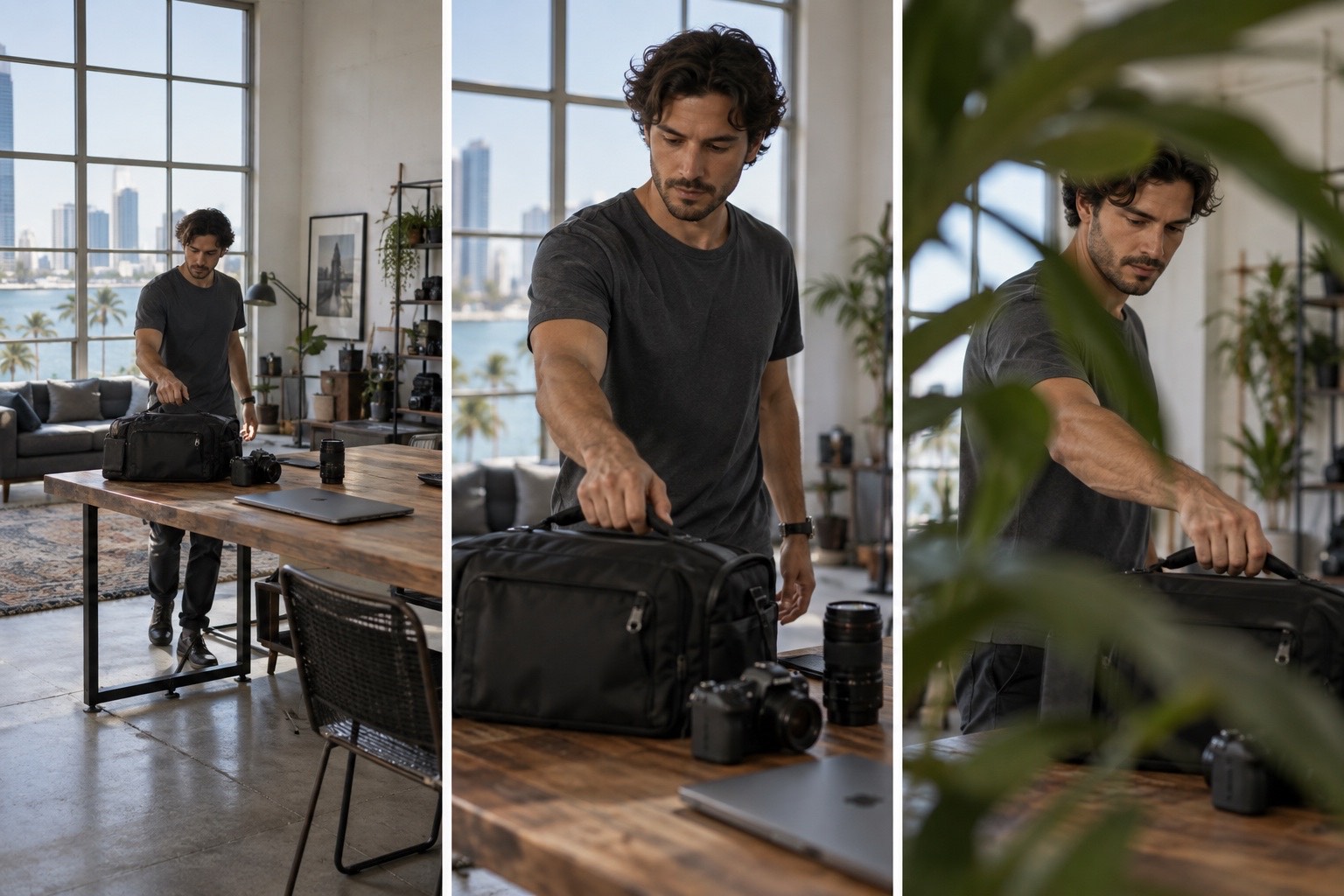
Use the visual break as a reminder to give every shot a clear job in the sequence.
4. Protect your exposure and color
Consistency makes a sequence easier to edit. Lock white balance when lighting is stable rather than allowing color temperature to drift from clip to clip. Watch highlights on faces, windows, stage lighting, or white clothing. If the environment changes quickly, prioritize a clean, recoverable image over chasing an unnecessarily shallow depth of field.
If you shoot a log profile, expose it according to the camera and profile guidance you actually use and monitor the image intentionally. Log is not a magic “cinematic” switch. It is useful when the capture and color workflow support it.
TECHNIQUE / Before rolling a sequence, check exposure, white balance, frame rate, shutter setting, focus mode, and audio. That ten-second check can save an entire scene.
5. Use frame rate with intent
Slow motion works best when it emphasizes something: fabric moving, a performer crossing the stage, champagne pouring, hair movement, a reveal, or a fast action that benefits from being stretched in time.
For dialogue, interviews, natural movement, or moments where real-time energy matters, normal-speed capture often feels more immediate. Mixing normal speed with selective slow motion creates more rhythm than shooting an entire project at a high frame rate and slowing everything down.
GEAR / The best frame rate is the one that supports the edit. Choose before the moment instead of treating every clip as future slow motion.
6. Do not forget natural sound
Beautiful B-roll gets dramatically stronger when viewers can hear the world around it.
Record clean snippets of doors opening, footsteps, crowd energy, camera shutters, clothing movement, applause, traffic, room tone, laughter, equipment clicks, or whatever naturally belongs to the scene. These small sounds can bridge cuts and make a montage feel present rather than detached.
At an event, capture dedicated atmosphere between major moments. During a lifestyle shoot, let interactions breathe long enough to preserve usable laughter or conversation. During a brand shoot, record the tactile sounds of the process.
AUDIO / Visual break: waveform layered beneath three detail frames — zipper, shutter, footsteps.
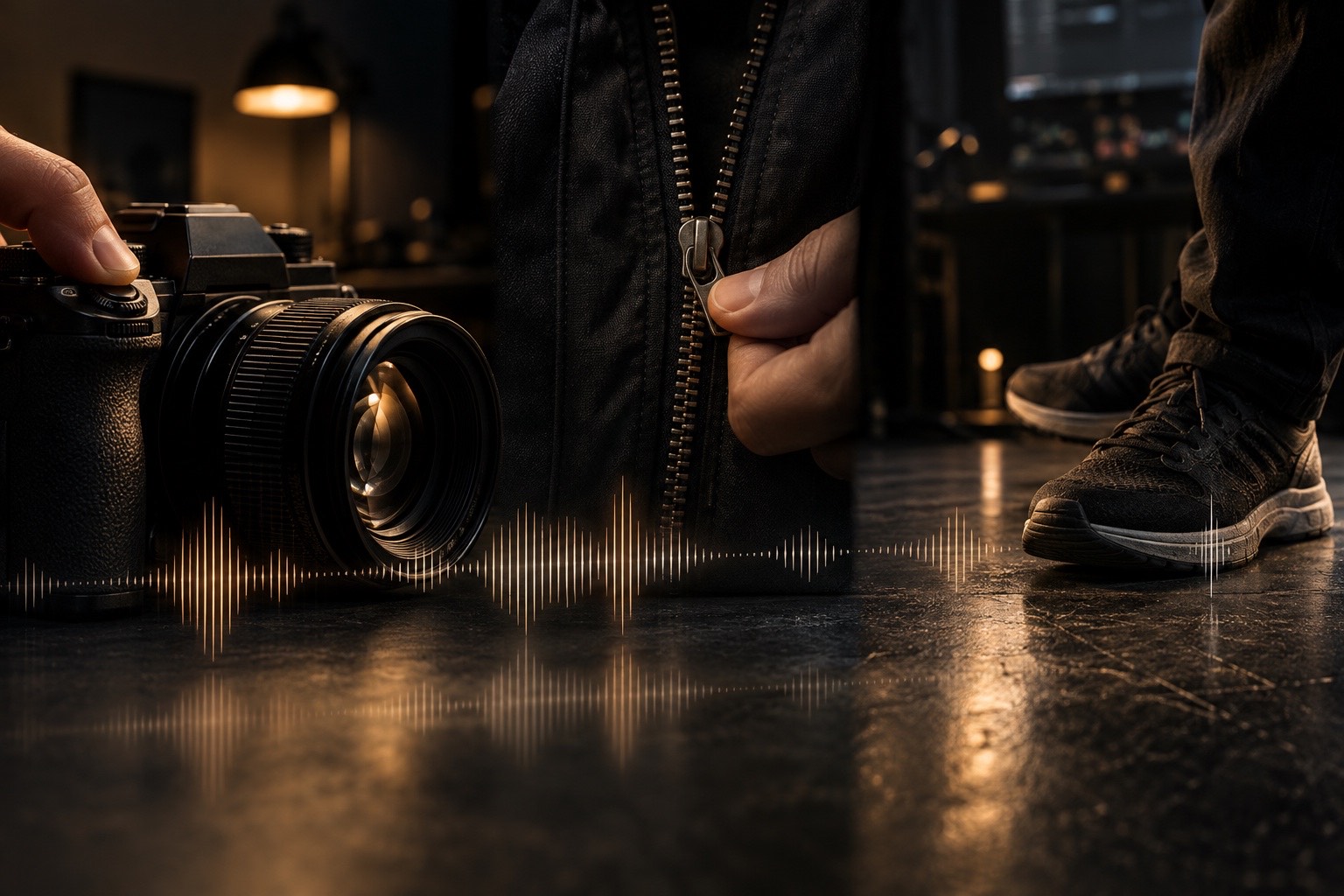
Use the visual break as a reminder to give every shot a clear job in the sequence.
Need photo and video coverage? Explore Flicks by Ed Media services when the story needs both.
7. Capture transitions in camera — but do not overdo them
Foreground wipes, whip movements, passing behind an object, match cuts, and repeated camera directions can give an editor elegant transition points. Capture them when the environment naturally offers them.
The transition should serve the sequence, not become the sequence. If every clip flies behind a wall, spins, or whip-pans, the technique starts competing with the subject.
A cleaner approach is to collect one or two transition options per scene and then prioritize strong coverage.
8. Use the one-camera event workflow
Events are where this system pays off because moments do not wait for a second take.
Start with an establishing frame before the room fills. Capture decor and details early. When guests arrive, alternate environment, interactions, and reactions. For a key moment — entrance, toast, performance, or reveal — secure the safe angle first. Once you know you have the essential coverage, look for tighter details and reactions.
For concert work, the same logic applies: establish the venue, show the performer, move tighter for expression and instruments, capture crowd reaction, signage, hands, lights, and the small details that communicate scale and atmosphere.
EVENT / Visual break: six-frame contact sheet — venue, performer, hands, crowd, detail, reaction.
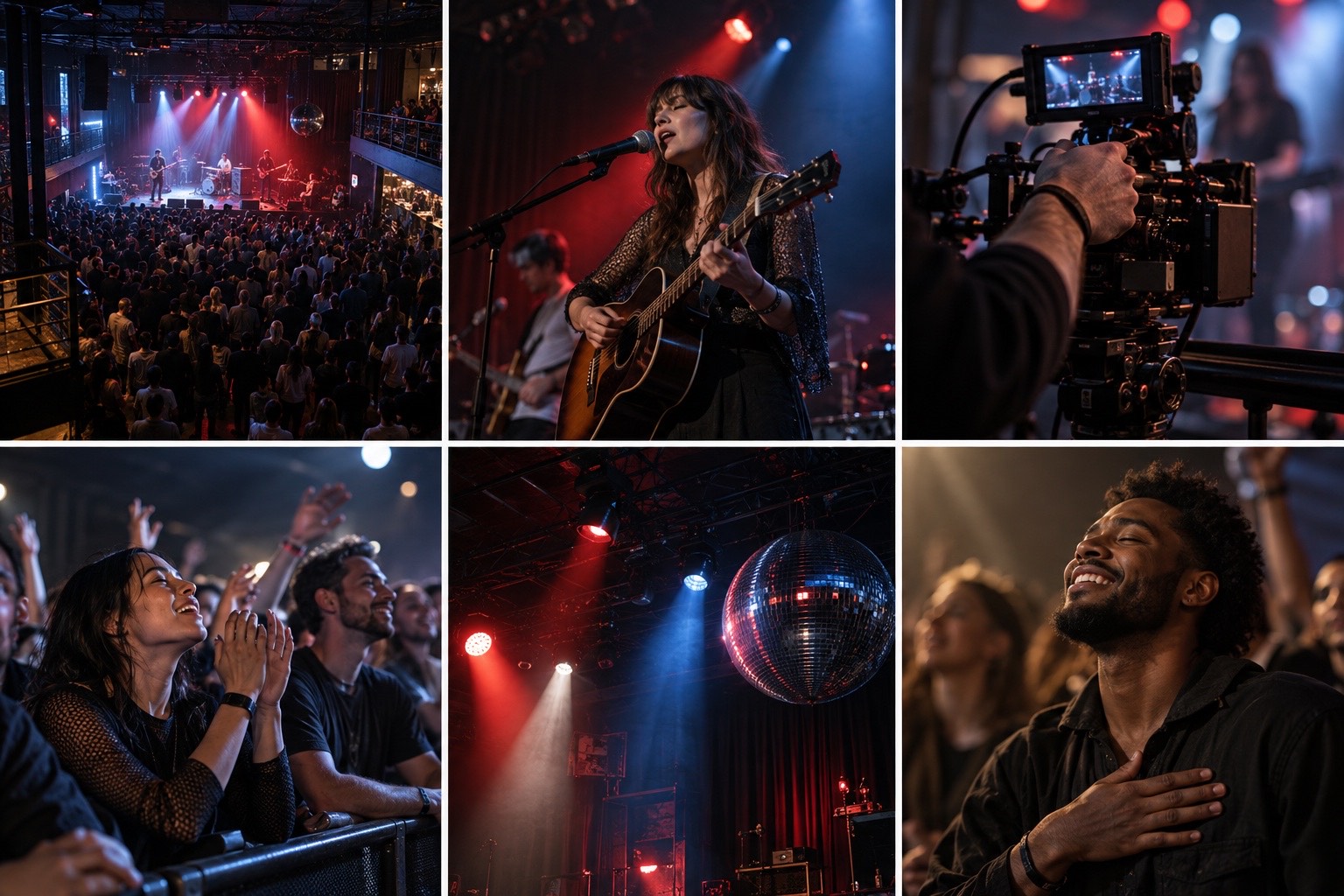
Use the visual break as a reminder to give every shot a clear job in the sequence.
9. Shoot for the cut
The easiest footage to edit has clear beginnings and endings. Start recording before the action begins and hold after it finishes. Avoid stopping the camera the instant the subject completes a movement.
Look for continuity. If a person reaches with the right hand in the wide shot, capture the close-up in a way that can plausibly connect. If your subject exits frame left, consider how the next shot begins. These tiny decisions are what make a one-camera edit feel designed rather than assembled.
TECHNIQUE / Give every useful clip handles: a few clean seconds before and after the core action.
10. Use a simple B-roll checklist
Before leaving a scene, ask:
- Do I have the location?
- Do I have the subject?
- Do I have the action?
- Do I have the details?
- Do I have a reaction?
- Do I have natural sound?
- Do I have at least one clean transition option?
- Do I have enough clean time before and after each key action?
If yes, you probably have an edit instead of a folder full of clips.
Final take
Cinematic B-roll is less about expensive movement and more about intentional coverage. A one-camera filmmaker who understands sequencing can often build a stronger story than a larger setup capturing disconnected angles.
For Flicks by Ed Media, the same principle applies whether the assignment is a portrait session, lifestyle campaign, event, concert, or behind-the-scenes piece: capture the moment, but also capture what makes the moment make sense. You bring the vision. I’ll create the moment.
Ready to build the sequence?
Bring the location, the subject, and the idea. Flicks by Ed Media can shape the coverage around the story and give every shot a reason to be there.